
Disclosure: We may earn a commission if you click our affiliate links to buy hosting, but we independently tested every provider to ensure our honest top picks for high-tra
High-traffic hosting is not selected by monthly pageviews alone. One million cached article views can be easier than 50,000 logged-in membership sessions or 5,000 simultaneous checkout attempts. The right host must match cacheability, concurrency, database work, geographic distribution, recovery objectives, and engineering capability.
Kinsta is the best overall managed WordPress choice for many high-traffic publishers and businesses. Rocket.net excels for edge-cache-heavy global traffic, Cloudways offers flexible infrastructure economics, WP Engine suits enterprise WordPress workflows, and a custom cloud architecture is appropriate when the application outgrows standardized platforms.
Editor’s pick: Kinsta
Related reading: Best Managed WordPress Hosting in 2026, Compared
Quick picks
- Best overall managed WordPress: Kinsta
- Best edge-first WordPress: Rocket.net
- Best flexible managed cloud: Cloudways
- Best enterprise WordPress operations: WP Engine
- Best WooCommerce managed option: Nexcess
- Best for custom applications: AWS, Google Cloud, Azure, or another engineered cloud stack
Define “high traffic”
Collect at least 90 days of:
- unique visits and pageviews;
- requests per second at peak;
- cached versus uncached requests;
- geographic distribution;
- transfer and media volume;
- PHP/application concurrency;
- database queries and slow logs;
- background jobs and API calls;
- p95 and p99 response time;
- errors during campaigns.
Also document revenue per hour, recovery time objective, recovery point objective, and planned events. A publisher can serve stale cached content during an origin incident; a ticket seller cannot serve stale inventory.
Kinsta: best overall managed platform
Kinsta combines managed WordPress infrastructure, Cloudflare-powered CDN and edge caching, multiple data-center choices, isolated sites, backups, staging, analytics, migrations, application monitoring tools, and specialist support.
Its edge cache can absorb anonymous traffic while MyKinsta analytics exposes visits, bandwidth, CDN usage, response data, and resource issues. Site isolation reduces the risk that one customer site consumes another’s container resources within the platform.
Kinsta’s pricing evolved in 2026. Documentation describes visits-based plans and certain bandwidth-based or legacy choices. Current overage documentation lists $0.50 per 1,000 visits, $0.50 per GB of server bandwidth, and $0.05 per GB of CDN bandwidth. Request the live plan and custom proposal for large traffic.
Kinsta is less suitable when root access, non-WordPress daemons, or unusual infrastructure services are required.
Rocket.net: best edge-first delivery
Rocket.net integrates Cloudflare Enterprise edge caching, CDN, WAF, malware protection, and managed WordPress operations. It can deliver a very high percentage of public page requests without reaching the origin, making it compelling for news, affiliate, and content traffic distributed worldwide.
The decisive metric is cache hit ratio. A site with 95% edge hits imposes a different origin load from a membership site at 20%. Test logged-in and personalized paths separately.
Rocket.net also offers agency/reseller and enterprise arrangements. Confirm regular pricing, traffic/transfer allowances, origin capacity, and support escalation in writing.
Cloudways: best infrastructure flexibility
Cloudways allows teams to choose supported cloud infrastructure and server resources while receiving a managed layer for WordPress deployment, backups, caching, monitoring, staging, and security.
This can be cost-effective for technical teams that know their CPU, RAM, transfer, and storage requirements. Cloudways Autonomous can scale infrastructure during traffic bursts and now exposes autoscaling charges more explicitly.
Flexibility creates operational decisions. Vertical scaling, provider limits, shared applications, add-on services, and support tiers must be managed. Cloudways is strongest when an engineer or capable agency owns capacity rather than assuming the platform makes every workload elastic.
WP Engine: enterprise workflow
WP Engine offers managed WordPress with development environments, caching, CDN/edge capabilities, security, backups, team workflows, and enterprise support options. It is widely used by organizations that value governance, agency familiarity, and contractual support.
Plan restrictions, visits, storage, transfer, plugin compatibility, and overage terms require review. Enterprise buyers should request architecture guidance, load-test evidence, escalation paths, security documentation, and service-level commitments.
WP Engine’s value is organizational as much as raw speed. Development workflow and support can be worth more than a small synthetic benchmark advantage.
Nexcess: dynamic commerce
Nexcess emphasizes managed WooCommerce and WordPress, with commerce-oriented tooling, backups, staging, updates, performance features, and plan resources. It belongs on the shortlist for stores whose dynamic paths matter more than anonymous edge traffic.
Test checkout, account, search, filters, webhooks, and background queues. Confirm PHP concurrency, autoscaling rules, database resources, and backup frequency. A daily backup can be inadequate for a store processing continuous orders.
Custom cloud architecture
At sufficient scale or complexity, a standardized WordPress host may not fit. A custom architecture can include load balancers, autoscaling application nodes, managed database clusters, Redis, object storage, queue workers, observability, CDN/WAF, immutable deployments, and multi-region recovery.
Do not migrate to Kubernetes merely because traffic is large. A simpler autoscaling platform can be more reliable when the team lacks orchestration expertise.
Cached versus dynamic traffic
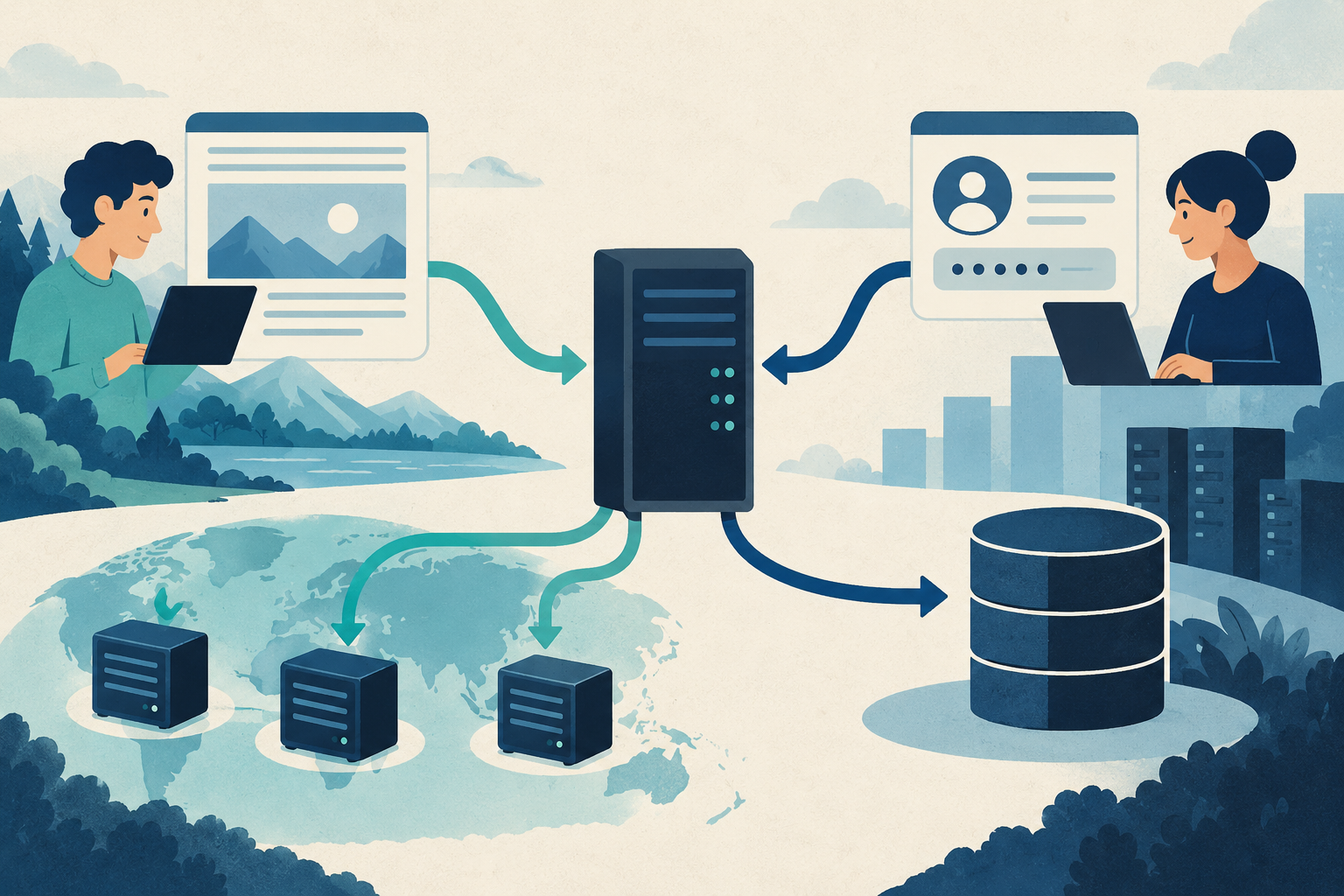
Full-page caching is the largest capacity multiplier for public WordPress. Edge caching serves HTML near the visitor and protects the origin during spikes. Cache prewarming and stale-while-revalidate behavior can prevent a purge from causing an origin stampede.
Dynamic traffic requires sufficient application workers and database performance. Logged-in pages, carts, personalized recommendations, searches, API endpoints, and admin actions should bypass public cache. Object caching can reduce repeated database work but cannot fix inefficient queries.
Segment load tests accordingly. Reporting one requests-per-second number without describing endpoints is meaningless.
Database and background work
High-traffic failures often begin in the database or queue rather than the web server. Inspect slow queries, indexes, autoloaded WordPress options, revision growth, session tables, search, and reporting plugins.
Move long jobs away from user requests. Queue email, image processing, feeds, and external synchronization. Control WordPress cron through a real scheduler and monitor failures. WooCommerce Action Scheduler backlogs can delay payments, subscriptions, and inventory.
Archive data according to business and legal requirements. A huge database affects backups, restores, staging, and deployments even when frontend pages are cached.
Load testing
Create a staging environment with production-scale data and safe copies of integrations. Model anonymous browsing, logged-in activity, search, checkout, API requests, and background jobs. Increase traffic gradually, then create sudden bursts.
Track p50, p95, and p99 latency, throughput, errors, queue depth, CPU, memory, application workers, database connections, disk latency, and cache hit ratio. Define pass/fail targets before the run.
Never load-test production without written coordination. Tests can trigger fraud controls, emails, payments, or provider abuse systems.
CDN, WAF, and DDoS
A CDN lowers latency and origin transfer; a WAF filters known malicious patterns. Neither eliminates application vulnerabilities or every distributed attack.
Confirm included DDoS protection, rate limiting, bot handling, origin shielding, cache rules, purge limits, log access, and emergency support. Protect the origin from direct bypass where practical.
Bot traffic can distort usage and cost. Kinsta says analytics may display bots while most well-known bot user agents are excluded from billable usage. Other hosts count differently. Ask how unknown scrapers and AI crawlers affect limits.
Cost and migration
Compare base price, overages, CDN, backups, storage, support, observability, security, and engineering labor under ordinary traffic, a 2x month, and a short 10x spike. Cost per reliable conversion matters more than cost per gigabyte of RAM.
Pilot a production copy. Validate DNS, redirects, SSL, cron, search, forms, email, webhooks, media, cache, monitoring, and rollback. After cutover, compare real-user performance, errors, conversion, and cache hit rate while the former environment remains recoverable.
Verdict
Kinsta is the best managed WordPress default for high-traffic organizations wanting a standardized platform, strong tooling, and specialist support. Rocket.net is exceptional for cache-heavy global delivery, Cloudways for technically managed flexibility, WP Engine for enterprise workflow, and Nexcess for commerce-focused hosting.
The winning host is the one that passes the real dynamic workload and recovery test within budget. Measure traffic shape, request a written architecture review, and pay for headroom before the launch that exposes every hidden constraint.
FAQ
How many visitors can WordPress handle?
From thousands to very large volumes; caching, code, workers, database, and architecture determine capacity.
Does a CDN solve high traffic?
It dramatically helps cacheable traffic but does not process logged-in, checkout, search, or other dynamic work.
Should high-traffic sites use dedicated servers?
Not necessarily. Managed containers, cloud instances, or autoscaling platforms can provide better resilience and operations.
How much spare capacity is enough?
It depends on spike speed and scaling time. Load-test planned peaks and maintain explicit headroom and alert thresholds.


